CSS selectors guide
Prefer stable selectors so tours survive harmless markup refactors.
Practical reference
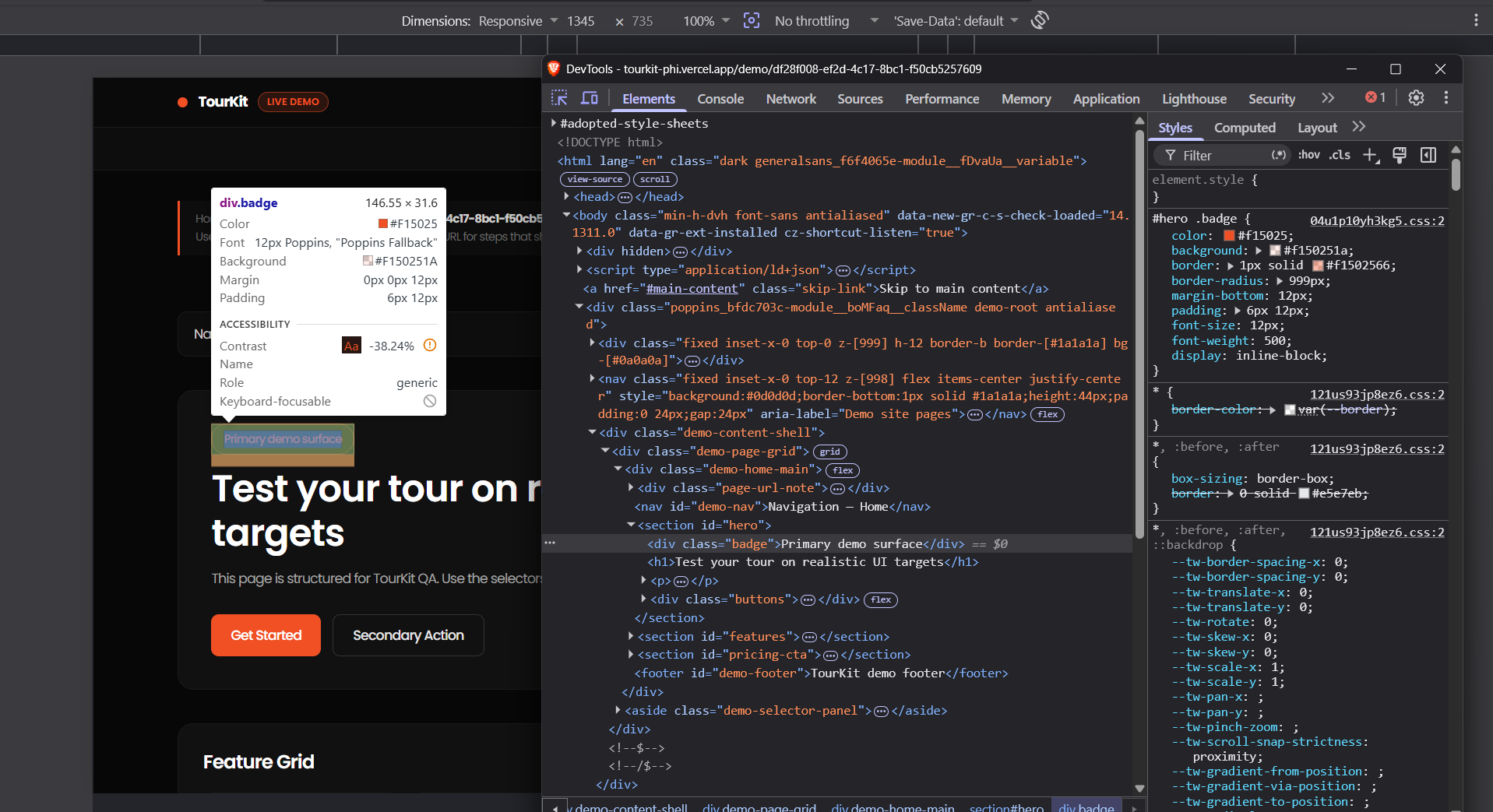
| Target | Selector example |
|---|---|
| Navigation bar | nav |
| Hero section | #hero |
| CTA button | .cta-button |
| Pricing section | #pricing |
| Footer | footer |
| Specific button | button[data-action="signup"] |
| First child | main > *:first-child |
Good patterns
[data-tour="invite"]— explicit hooks you control.- IDs on landmark sections when they are unique per page.
- Single-class hooks on buttons you own (avoid generated hashes).
Fragile patterns
Deep descendant chains, nth-child indices, and auto-generated CSS-module class names break easily.
Try in DevTools
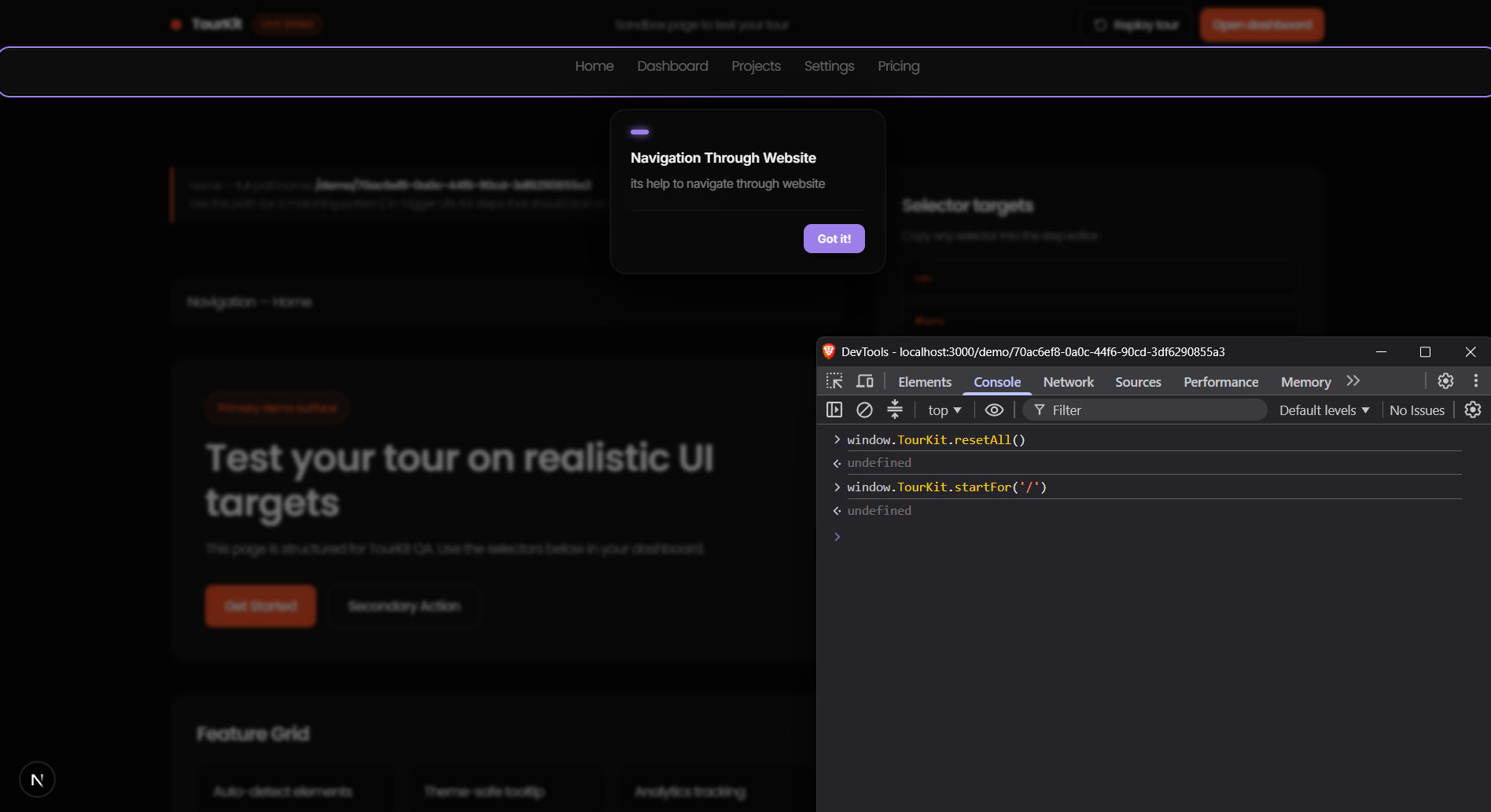
document.querySelector('[data-tour="billing"]')TourKit Global API
After installing the script tag, the following methods are available globally on window.TourKit on any page.
Start tour for specific page
window.TourKit.startFor('/dashboard')Start tour for current page
window.TourKit.start()Destroy active tour
window.TourKit.destroy()Reset seen flag for specific path
window.TourKit.reset('/dashboard')Reset all seen flags for this project
window.TourKit.resetAll()Identify a logged-in visitor
Call after login so announcements with a Logged-in audience (and optional plan) can show. Identity is kept in memory only.
window.TourKit.identify({ userId: 'user_123', plan: 'pro' })When to use the API
Use TourKit.startFor() in React and Next.js apps that use client-side routing. Without it, the SDK only runs on initial page load and misses route changes.